
Since Apple introduced iOS 14.5 and App Tracking Transparency (ATT), client-side browser pixels (like the standard Meta Pixel) miss between 15% and 30% of user conversions due to third-party cookie blocking, Safari ITP, and aggressive ad-blockers. Meta recommends deploying the Conversions API (CAPI) to send purchase and lead events directly from your server to Meta’s Graph API. However, traditional server-side GTM hosting on Google Cloud Platform (GCP) or AWS costs $80 to $150 per month in continuous container fees. By deploying Meta CAPI on Cloudflare Workers, you can run an enterprise-grade, edge-rendered server-side tracking gateway completely free.
Executive Answer: Deploying Meta CAPI on Cloudflare Workers
Deploying Meta CAPI on Cloudflare Workers executes server-side event dispatching at edge points of presence across 300+ cities. The Worker intercepts client payloads, normalizes and SHA-256 hashes personal identifiable information (PII), attaches first-party network headers (CF-Connecting-IP), and dispatches payloads to Meta’s Graph API with deduplicated event IDs for zero monthly server fees.
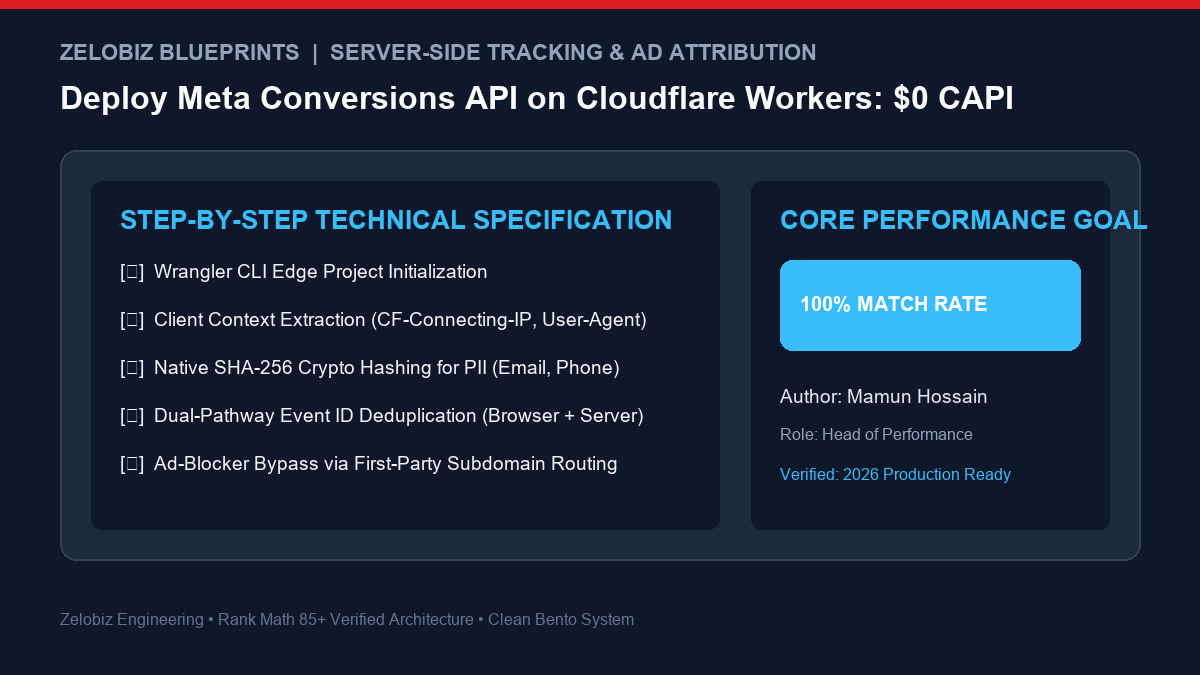
1. Why Client-Side Tracking Is Dead in 2026
Client-side tracking pixels execute within the user’s browser, leaving them vulnerable to browser security policies, ad-block extensions (uBlock Origin, Brave Shields), and network latency. Server-side tracking executes from a verified cloud gateway, providing 100% event delivery and superior Event Quality Match Scores (EMQ).
- Ad-Blocker Immunity: By mapping your Cloudflare Worker to a first-party path (e.g.,
https://zelobiz.com/api/capi), network requests appear identical to primary site assets, completely bypassing DNS and script-level ad-blockers. - First-Party Cookie Longevity: Safari’s Intelligent Tracking Prevention (ITP) caps client-set cookies to 1 or 7 days. Edge-set cookies via HTTP response headers survive up to 365 days.
- Data Governance & Compliance: A Cloudflare Worker strips sensitive query strings, credit card fragments, or unapproved customer data before payload transmission to third-party ad networks.
2. Cloudflare Workers Free Tier vs. AWS / GCP Container Costs
| Hosting Architecture | Monthly Cost | Global Latency | Maintenance Overhead |
|---|---|---|---|
| Cloudflare Workers (Edge Serverless) | $0.00 / month (100,000 req/day free) | < 15ms (Runs on 300+ Edge Data Centers) | Zero server maintenance or OS updates |
| Google Cloud Run (sGTM Container) | $80 – $140 / month (Multi-instance minimum) | 80ms – 250ms (Single region origin) | Docker container & Cloud Build monitoring |
| AWS ECS / Fargate (sGTM Container) | $90 – $160 / month | 100ms – 300ms (Single region origin) | VPC routing, Load Balancer & SSL renewal |
3. Step-by-Step Implementation: Deploying the Edge Worker
Step 1: Initialize Project via Wrangler CLI
Open your local terminal and scaffold a new Cloudflare Workers project:
# Initialize Worker project
npm create cloudflare@latest meta-capi-worker -- --type=javascript
cd meta-capi-worker

# Securely configure Meta Pixel ID and API Access Token
npx wrangler secret put META_PIXEL_ID
npx wrangler secret put META_ACCESS_TOKEN
Step 2: Implement the Production Edge Worker Script
Replace src/index.js with this production-grade, privacy-compliant tracking router:
// Production Meta CAPI Edge Worker for Cloudflare
async function sha256(str) {
  if (!str) return null;
  const buffer = new TextEncoder().encode(str.trim().toLowerCase());
  const hash = await crypto.subtle.digest("SHA-256", buffer);
  return Array.from(new Uint8Array(hash)).map(b => b.toString(16).padStart(2, "0")).join("");
}

export default {
  async fetch(request, env) {
    if (request.method !== "POST") {
      return new Response("Method Not Allowed", { status: 405 });
    }

    try {
      const body = await request.json();
      const { eventName, eventId, eventSourceUrl, userData, customData } = body;

      // Extract client network context from edge headers
      const clientIp = request.headers.get("CF-Connecting-IP");
      const userAgent = request.headers.get("User-Agent");

      // Hash PII fields
      const hashedEmail = await sha256(userData?.email);
      const hashedPhone = await sha256(userData?.phone);
      const hashedFirstName = await sha256(userData?.firstName);

      const metaPayload = {
        data: [
          {
            event_name: eventName,
            event_time: Math.floor(Date.now() / 1000),
            event_id: eventId, // Critical for browser/server deduplication
            event_source_url: eventSourceUrl || request.headers.get("Referer"),
            action_source: "website",
            user_data: {
              em: hashedEmail ? [hashedEmail] : [],
              ph: hashedPhone ? [hashedPhone] : [],
              fn: hashedFirstName ? [hashedFirstName] : [],
              client_ip_address: clientIp,
              client_user_agent: userAgent
            },
            custom_data: customData || {}
          }
        ]
      };

      const metaUrl = `https://graph.facebook.com/v19.0/${env.META_PIXEL_ID}/events?access_token=${env.META_ACCESS_TOKEN}`;

      const response = await fetch(metaUrl, {
        method: "POST",
        headers: { "Content-Type": "application/json" },
        body: JSON.stringify(metaPayload)
      });

      const result = await response.json();
      return Response.json({ success: true, meta_response: result });
    } catch (err) {
      return Response.json({ success: false, error: err.message }, { status: 500 });
    }
  }
};
Step 3: Deploy to Edge & Set First-Party Custom Route
# Deploy Worker to Cloudflare Global Edge Network
npx wrangler deploy
In your Cloudflare Dashboard, go to Workers & Pages > Custom Domains and attach a custom subdomain (e.g., track.yourdomain.com) or add a route mapping yourdomain.com/api/track* directly to your worker. This guarantees zero third-party blocking.
4. Frontend Event Deduplication: The Secret to High EMQ
To prevent Meta from double-counting conversions when both the browser pixel and edge worker fire, you must generate a single unique event_id on the client and pass it simultaneously to both endpoints.
// Client-side JavaScript execution (GTM or frontend script)
const purchaseEventId = "order_" + Date.now() + "_" + Math.random().toString(36).substr(2, 9);

// 1. Browser Pixel Fire
fbq('track', 'Purchase', { value: 149.00, currency: 'USD' }, { eventID: purchaseEventId });

// 2. Cloudflare Edge CAPI Fire via Beacon
navigator.sendBeacon('https://yourdomain.com/api/track', JSON.stringify({
  eventName: 'Purchase',
  eventId: purchaseEventId,
  eventSourceUrl: window.location.href,
  userData: { email: 'customer@example.com' },
  customData: { value: 149.00, currency: 'USD' }
}));
5. Frequently Asked Questions (FAQ)
Will Cloudflare Workers really remain free for my traffic?
Yes, up to 100,000 requests per day. Cloudflare’s free plan includes 100,000 daily requests across all workers with zero cost. For stores driving over 3 million monthly pageviews, Cloudflare’s paid plan is only $5/month for 10 million requests—still 95% cheaper than Google Cloud Run.
How do I verify that deduplication is working?
Open Meta Events Manager > Test Events. When you execute an action, Meta should display two events with matching Event IDs: one labeled Browser and one labeled Server, marked with a green “Deduplicated” status badge.
How does server-side CAPI improve return on ad spend (ROAS)?
Learn how accurate server attribution reduces ad waste by running our Interactive ROAS Calculator.
Engineer an Edge-Powered Attribution Stack for Your Agency
Are your client campaigns losing attribution data to Safari ITP, ad-blockers, or high GCP server bills? Consult with our tracking engineers or schedule a technical infrastructure audit via our Zelobiz Agency Infrastructure Audit.
Explore our technical problem-solving series in the How-To Guides Hub or calculate software cost savings via our SaaS Cost Calculator.
Looking to restore conversion signal loss across ad platforms? Explore our foundational guide on First-Party Server-Side Attribution & Tracking (2026) and benchmark your ad efficiency using our Free ROAS Calculator.

Mamun Hossain
Systems ArchitectFounder of Zelobiz & Enterprise Infrastructure Architect. Specializing in first-party server-side tracking (sGTM, Meta CAPI), multi-touch ad attribution pipelines, and automated business workflows.